
On-Page SEO Basics for Beginners
You finally did it. You spent weeks—maybe even months—getting your business website exactly right. You selected the perfect brand colors, wrote compelling descriptions of your services, and hit the publish button. You sit back, ready for the phone to ring or the inbox to fill up with new customer inquiries.
But instead, there is silence.
When you start looking for answers, every piece of advice you find points to three letters: SEO. Search Engine Optimization can feel like an entirely different language. Experts throw around terms like backlink profiles, domain authority, and algorithm updates, making the whole process seem like a dark art reserved for tech wizards with massive marketing budgets.
It is easy to feel overwhelmed, but here is the good news: you do not have to master everything at once. SEO is generally broken down into a few different categories, and there is one specific area where you have complete, 100% control over the outcome. It is called On-Page SEO.
If you are tired of guessing how to get your website to show up on Google, mastering these foundational on-page principles is your best starting point. Before diving into the technical weeds or spending money on external advertising, you have to get your own digital house in order. In this comprehensive guide, we are going to demystify on-page SEO, explain exactly how it works without the confusing jargon, and give you a practical checklist you can apply to your website today.
What Exactly Is On-Page SEO?
To understand on-page SEO, it helps to understand the larger context of how search engines work. Search engines like Google have one primary goal: to provide their users with the most accurate, relevant, and helpful answer to their specific query.
To accomplish this, search engines send out automated “crawlers” or “bots” to scan every website on the internet. However, these bots do not read websites the way a human does. They cannot look at a beautiful photograph and know what it represents, nor can they intuitively understand that a massive block of text is actually a list of services. They rely on specific structural clues in your website’s text and background code to understand what your page is about.
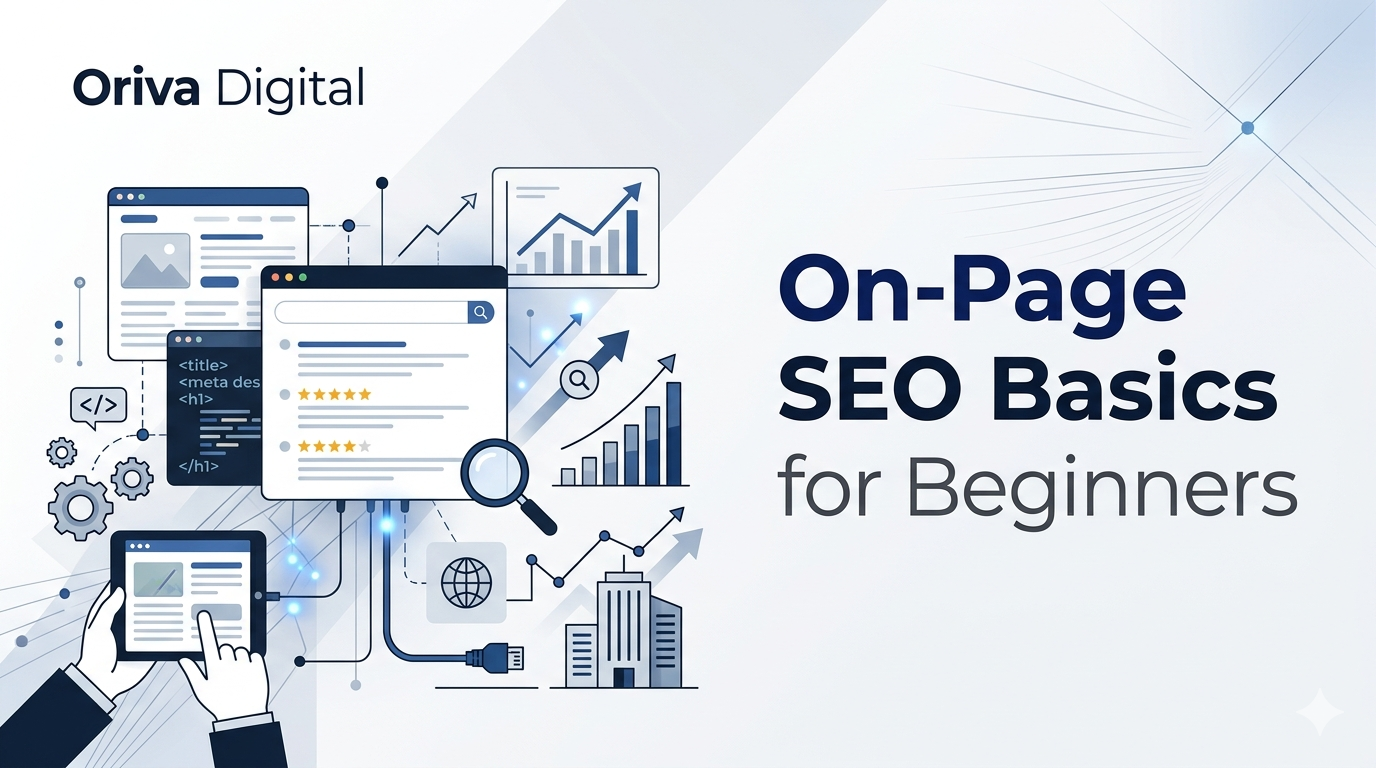
On-page SEO simply refers to the practice of optimizing individual web pages so they rank higher and earn more relevant traffic in search engines. It encompasses everything you can physically touch, edit, and change directly on your own website.
This is fundamentally different from “off-page SEO,” which involves actions taken outside of your website to impact your rankings (like getting other reputable websites to link back to you). Off-page SEO is like word-of-mouth marketing; it relies on other people. On-page SEO is how you present yourself.
By strategically formatting your content, headings, and background tags, you are essentially handing the search engine a perfectly organized map of your business. If you are entirely new to the concept of search visibility and want a broader overview before diving into specific page tweaks, taking a moment to review our Beginner’s Guide to SEO for Small Businesses is a great next step.
Practical Examples: On-Page SEO in the Real World
Theoretical definitions can only get you so far. To truly understand how these optimizations move the needle, let’s look at two relatable business scenarios. We will see how a page looks before and after applying basic on-page SEO principles.
Scenario 1: The Local Baker’s Service Page
The Before: Sarah runs a popular gluten-free bakery in Austin, Texas. She creates a page on her website detailing her custom cake services. She names the page “Services,” and the main headline simply says “What We Do.” The text below is one massive paragraph talking about her love for baking, her ingredients, and how people can order.
To a human who is already on the website, this might make sense. To a search engine crawler, this page has no clear location, no clear focus, and a generic title that competes with millions of other “Services” pages on the internet.
The After (Optimized): Sarah updates the page. She changes the main title tag behind the scenes to “Custom Gluten-Free Cakes in Austin, TX | Sarah’s Bakery.” She changes the visible headline (the H1) to “Austin’s Premier Custom Gluten-Free Cakes.” She breaks her massive paragraph into short sections with clear subheadings (H2s) like “Wedding Cakes,” “Birthday Cakes,” and “How to Place an Order.”
Now, when a user in her city searches for “gluten free wedding cake Austin,” Google scans her perfectly structured page, instantly understands the geographic relevance and the specific product offering, and serves her website to the customer.
Scenario 2: The B2B Financial Consultant
The Before: Mark is a financial consultant helping small businesses with tax preparation. He writes a blog post titled “Thoughts on Taxes.” He uploads a massive, uncompressed image of a calculator at the top of the post and writes 500 words of dense financial philosophy.
The After (Optimized): Mark realizes people don’t search for “thoughts on taxes.” They search for solutions to problems. He renames the post to “Small Business Tax Preparation: 5 Deductions You Are Missing.” He compresses the image so the page loads instantly, and he adds descriptive “alt text” to the image code so search engines know it represents tax documents. He uses bullet points to list the five deductions, making it incredibly easy for a busy business owner to scan the article.
By aligning his page with the actual questions his target audience is typing into Google, Mark turns a useless journal entry into a lead-generating asset.
The Benefits and Business Impact of Getting It Right
Why should you spend your valuable time tweaking titles and formatting paragraphs? Because when done correctly, on-page SEO is one of the most cost-effective and sustainable marketing strategies available to a small business.
It Drives High-Intent Traffic
Unlike billboards or social media advertisements that interrupt people while they are doing something else, SEO captures people at the exact moment they are looking for a solution. When someone searches for “emergency roof repair,” they are ready to hire a contractor right now. Optimizing your specific service pages ensures you show up when buyer intent is at its absolute peak.
It Compounds Over Time
If you run a Google Ad or a Facebook Ad, the traffic completely stops the second your budget runs out. You are essentially renting visibility. On-page SEO is an investment in your own digital real estate. A highly optimized blog post or service page can continue to rank and drive organic (free) traffic to your business for months or even years after you hit publish.
It Vastly Improves the User Experience
Here is a secret that many marketers forget: search engines are trying to mimic human preferences. When you optimize a page for search engines—by breaking up long text with subheadings, ensuring the page loads quickly, and providing clear, actionable answers—you are simultaneously making the page much better for a human reader. A better user experience means visitors stay on your site longer, trust your brand more, and convert into paying customers at a higher rate. If you suspect your site is currently frustrating users due to slow load times, checking out How to Improve Website Speed and Performance is crucial.
Actionable Tips: Your On-Page SEO Checklist
You do not need to be a web developer to optimize your website. If you use a modern website builder like WordPress, Wix, or Squarespace, you have access to all the tools you need. Whenever you publish a new page or a blog post, run it through this beginner-friendly checklist.
1. Craft Compelling Title Tags
The title tag is the clickable blue headline that appears in Google search results. It is one of the strongest signals you can send to a search engine about the topic of your page.
Keep it under 60 characters so it doesn’t get cut off with an ellipsis in the search results.
Include your primary keyword near the beginning of the title.
Make it enticing. Don’t just write “Plumber.” Write “Emergency Plumbing Repair in Chicago | 24/7 Service.”
2. Write Click-Worthy Meta Descriptions
The meta description is the short snippet of text (usually about 155 characters) that appears just below the title tag in the search results. While Google has stated that meta descriptions are not a direct ranking factor, they are a massive factor in whether or not someone actually clicks on your link.
Think of the meta description as a miniature advertisement for your page.
Clearly state what the user will learn or gain by clicking the link.
Include a natural call to action, like “Read our guide” or “Get a free quote today.”
3. Structure Your Content with Headings (H1, H2, H3)
Nobody likes reading a giant wall of text. Headings break your content up into digestible chunks and provide a clear hierarchy for search engine crawlers.
The H1 Tag: This is the main headline of your page. There should only be one H1 per page, and it should clearly state the overarching topic.
The H2 Tags: Think of these as the chapter titles within a book. They introduce the main subtopics of your page.
The H3 Tags: Use these to break down an H2 section into even smaller, specific points.
4. Optimize Your URLs
When you create a new page, your website builder might automatically generate a messy URL that looks like www.yourwebsite.com/page-id=8475. This is terrible for SEO. You want your URLs to be short, descriptive, and easy to read.
Change that messy URL to something clean, like www.yourwebsite.com/small-business-tax-guide.
Use hyphens to separate words.
Keep it brief and focused on the core topic.
5. Use Descriptive Image Alt Text
Search engines cannot “see” images. If you upload a picture of a newly renovated kitchen to your portfolio, the search engine only sees a blank box and a file name. Alt text (alternative text) is a small snippet of hidden code you can add to an image to describe what it depicts.
Be descriptive but concise. Instead of naming a file IMG_994.jpg and leaving the alt text blank, change the alt text to “Modern white kitchen remodel with marble countertops.”
This helps your images show up in Google Image Search and makes your website accessible to visually impaired users who rely on screen readers.
6. Incorporate Strategic Internal Linking
Internal links are simply hyperlinks that point from one page on your website to another page on your website. When you link your pages together, you help search engines crawl your site more efficiently and establish a hierarchy of information.
If you write a blog post about changing a flat tire, make sure to include a link to your “Tire Sales and Services” page within the text.
Use descriptive “anchor text.” Don’t just hyperlink the words “click here.” Hyperlink the words “browse our tire inventory.”
Common On-Page SEO Mistakes to Avoid
As you begin applying these new concepts to your website, it is very easy to swing the pendulum too far and over-optimize your content. Avoid these common amateur mistakes that can actively harm your rankings:
The Trap of Keyword Stuffing
Ten years ago, people would try to trick search engines by cramming their target phrase into a paragraph as many times as humanly possible. It resulted in unreadable sentences like, “If you need a Seattle accountant, our Seattle accountants are the best Seattle accountants for accounting in Seattle.”
Modern search algorithms are incredibly smart. They will instantly flag this behavior and penalize your website. Always write for humans first. Include your keywords naturally where they make sense, but prioritize the flow and readability of the sentence.
Ignoring Search Intent
Search intent is the “why” behind a specific search query. If someone types “how to paint a dresser,” their intent is informational—they want a step-by-step tutorial. If you try to optimize a page trying to sell them a pre-painted dresser for that specific keyword, you will never rank. You have to match the format of your page to what the user actually wants to accomplish. Creating content that genuinely solves the user’s problem is paramount. To dive deeper into why authoritative, helpful writing is the ultimate ranking hack, read up on Why Quality Content Matters for SEO.
Publishing “Thin” Content
Search engines want to send users to pages that thoroughly answer their questions. If you create a service page that only has two sentences of text and a contact form, it is considered “thin content.” While you don’t need to write a novel for every page, you should aim to provide enough detailed information to fully satisfy a potential customer’s curiosity about that specific service.
Conclusion
Getting your website to show up on the first page of search results doesn’t happen by accident, and it certainly doesn’t happen overnight. It requires a deliberate, consistent approach to how you structure your information.
By mastering these on-page SEO basics—crafting clear title tags, using logical headings, optimizing your images, and writing natural, helpful content—you build a sturdy digital foundation. You are no longer crossing your fingers and hoping the algorithm finds you; you are actively handing the algorithm a roadmap to your front door.
You do not have to tackle your entire website in one afternoon. Start by auditing your single most important service page or your highest-traffic blog post today. Apply the checklist, monitor the results, and gradually work your way through the rest of your site.
If managing the technical backend of your website feels like it is taking too much time away from actually running your business, you don’t have to navigate it alone. At Oriva Digital, we specialize in building fast, beautifully designed websites with robust SEO foundations baked in from day one. Whether you need a comprehensive site audit, a content marketing strategy, or a full website redesign, reach out to us today to see how we can help your brand grow online.