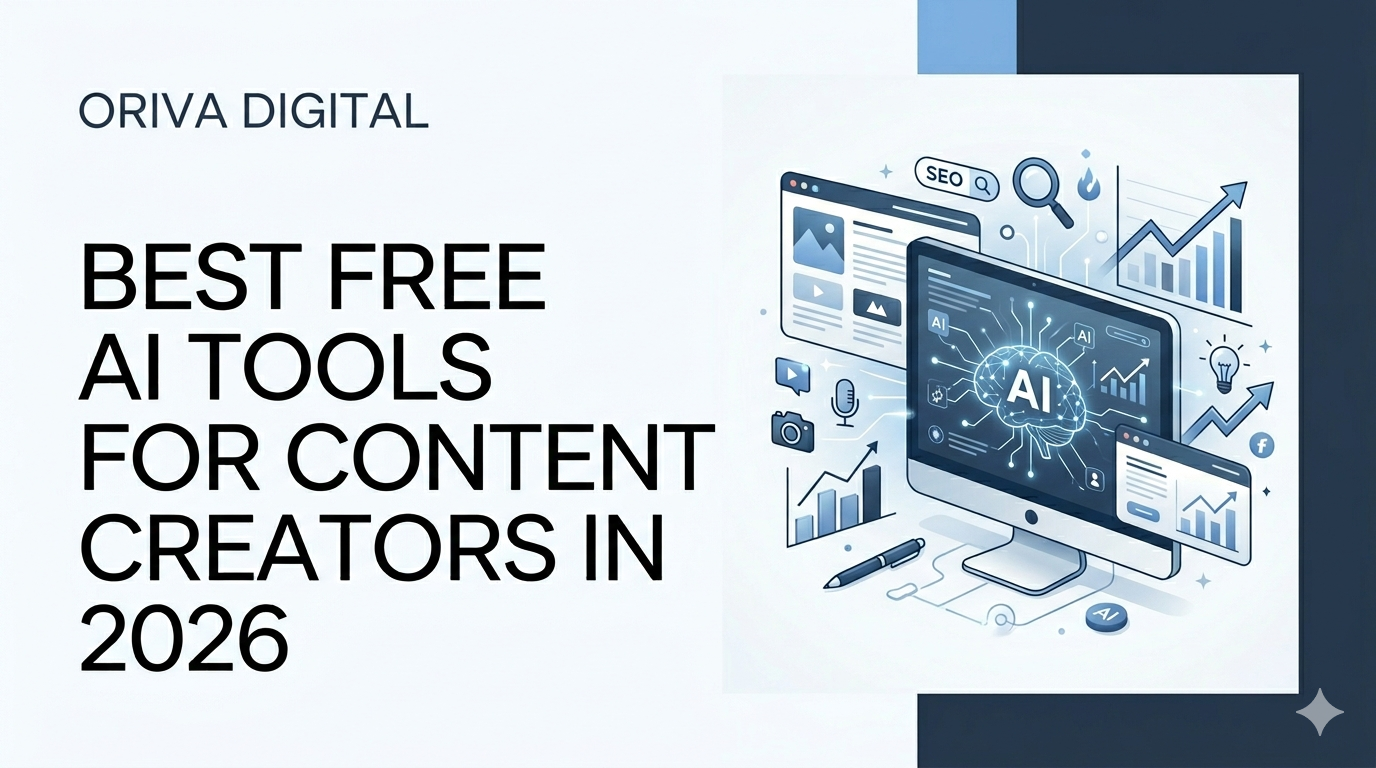
Best Free AI Tools for Content Creators in 2026
If you run a small business, manage a startup, or create content online, you already know how exhausting the modern digital landscape can be. To stay visible, you are expected to write in-depth blog posts, design eye-catching graphics, script engaging video reels, and publish daily social media updates. For a small team or a solo entrepreneur, this schedule can quickly lead to creative burnout.
Fortunately, the technology available to us has advanced dramatically. We are well into 2026, and artificial intelligence is no longer an experimental luxury for tech giants. Instead, a wave of highly accessible, sophisticated software has leveled the playing field, allowing anyone to produce professional assets without a Hollywood budget or an advanced degree in design.
The best part? You do not need a massive budget to get started. Many of the most powerful platforms offer exceptionally generous free tiers that provide immediate value. This guide walks you through the best free AI tools for content creators this year, offering practical strategies to help you scale your workflow without spending a single dime.
The Reality of AI Content Tools in 2026
Before exploring specific applications, it is helpful to understand how the role of these technologies has shifted. A few years ago, early automated platforms produced rigid, predictable text and distorted images that required hours of manual correction.
Today, the ecosystem has moved toward specialized assistance. Instead of trying to find one single platform that claims to do everything perfectly, successful creators build a simple toolkit of specialized, free applications. When used correctly, these systems act as collaborative assistants rather than automated replacements for human creativity. They handle the time-consuming, mechanical elements of production so you can focus entirely on your unique perspective, strategy, and client relationships.
For a broader look at how these developments are reshaping the market, you can read our comprehensive analysis on How AI Is Changing Content Creation in 2026.
Best Free AI Tools for Writing and Ideation
Blank-page syndrome is one of the biggest hurdles for any writer. Whether you are drafting a detailed newsletter, writing a script for a video, or planning website copy, these free text-based systems can help you move from a blank screen to a polished draft in minutes.
ChatGPT (OpenAI)
ChatGPT remains a foundational resource for online creators. The free tier gives users access to highly efficient models like GPT-4o mini, along with occasional access to flagship intelligence tiers during low-traffic hours.
Instead of asking it to write an entire article from scratch—which can sometimes result in a flat, generic tone—use it as an interactive brainstorming partner. You can input your rough notes, outline a few chaotic thoughts, and ask the system to organize them into a clean, logical outline. It is also exceptional at generating dozens of variations for email subject lines or short social headlines, allowing you to choose the option that resonates best.
Claude (Anthropic)
When it comes to drafting long-form text that feels authentic, nuanced, and genuinely human, Claude is an outstanding choice. The free version gives you access to the Claude Sonnet model, which is widely celebrated for its editorial precision.
Claude excels at matching specific brand guidelines and avoiding overly dramatic, cliché marketing language. If you have written a draft but feel it sounds a bit stiff or overly formal, you can paste it into Claude and ask it to adjust the tone to be more conversational, approachable, and direct.
Google Gemini
Gemini is Google’s native assistant, and its free version is remarkably feature-rich. Because it is directly integrated with Google’s live search engine, it is incredibly useful for real-time research and fact-checking.
If you need to verify current data, summarize recent industry news, or find out what topics are currently trending in your niche, Gemini can scan live web pages and provide a clear, cited summary. This real-time capability makes it a massive asset for newsjacking or writing timely pieces about recent market shifts.
Best Free AI Tools for Visuals and Design
You don’t need to master complex graphic design software to create professional visuals for your brand. Visual platforms have integrated smart automation to make asset creation fast and intuitive.
Canva AI (Magic Design)
Canva has been a favorite for non-technical creators for years, but its integrated “Magic Studio” features make it indispensable this year. The free tier allows you to use text prompts to generate initial template designs automatically.
Imagine you need a quick header graphic for a new article or a thumbnail for a video presentation. You can type your topic into Canva’s search bar, specify your preferred color palette, and the system will generate a selection of fully editable layouts matching your prompt. From there, you simply swap in your text and logo, and you are ready to publish.
Adobe Express
Adobe Express offers an incredibly robust free plan that provides a bridge between simple drag-and-drop design and professional-grade editing. Powered by Adobe’s Firefly engine, it allows you to perform complex edits using simple text commands.
The free tier includes excellent features for removing cluttered backgrounds from photos, generating unique text effects, and resizing a single graphic into multiple formats simultaneously—such as instantly turning a horizontal banner into a vertical format for a phone screen.
Best Free AI Tools for Video and Audio Production
Video content is central to modern audience engagement, but editing hours of footage can swallow up your entire week. These platforms help you trim the fat and optimize your multimedia assets with minimal effort.
Opus Clip
Short-form video clips are one of the most effective ways to capture attention online, but scrubbing through a 30-minute video to find the best moments is incredibly tedious. Opus Clip solves this exact problem.
The free version gives you a set allocation of monthly credits. You simply upload a link to a long-form video—like a webinar, a podcast interview, or a detailed tutorial—and the system automatically analyzes the footage. It identifies the most compelling hooks, cuts them into 30-second vertical clips, generates animated captions, and assigns a virality score based on current social media trends.
Descript
Descript completely changes how creators approach audio and video editing by making the process as easy as editing a text document. When you upload a file, the platform automatically transcribes your audio into text.
If you want to remove an awkward sentence, a long silence, or a repeated mistake from your video, you don’t have to fiddle with an intricate editing timeline. Instead, you highlight the unwanted words in the written transcript and press delete. The software automatically slices the video file to match your text edits perfectly. The free tier offers a generous monthly allowance of transcription hours, making it perfect for beginners.
Real-World Scenarios: How Creators Save Time
To see the true value of these tools, let’s look at how a typical small business owner can combine them into a single, cohesive workflow.
Imagine you run a boutique real estate agency. You have a wealth of knowledge about home-buying mistakes, but you don’t have hours to sit down and write content every week. Here is how your automated workflow might look:
[ Step 1: Gemini ] ➔ Brainstorm 10 local home-buying trends based on live search data.
[ Step 2: Claude ] ➔ Expand the best trend into a clear, helpful 600-word newsletter draft.
[ Step 3: Canva  ] ➔ Generate a clean, on-brand graphic header for the email update.
[ Step 4: CapCut ] ➔ Record a 1-minute video summary and auto-generate clean captions.
By using this structured approach, a production process that used to take an entire day can be completed in under an hour, allowing you to maintain a consistent schedule without sacrificing your client-facing time. To explore more practical ideas on keeping your calendar full without burning out, read our dedicated checklist on How to Stay Consistent With Content Creation.
The Core Benefits and Business Impact
Integrating these free applications into your operations offers significant advantages that go far beyond basic convenience.
Drastic Reduction in Overhead Costs: For a bootstrapped startup or a solo creator, outsourcing graphic design, basic copywriting, and video clipping can cost thousands of dollars a month. Free platforms allow you to handle foundational assets in-house while keeping your budget entirely intact.
Rapid Turnaround Times: Instead of waiting days for a freelancer to return a simple social media graphic or a promotional snippet, you can generate, edit, and publish assets within a single afternoon.
The Ability to Scale Production: You can easily repurpose a single piece of content across multiple channels. A single comprehensive blog post can be transformed into an email newsletter, five social media posts, and three short-form video scripts using free writing assistants.
Actionable Tips for Beginners Getting Started
If you are new to using AI in your creative process, it is easy to feel overwhelmed by the sheer volume of options available. Follow these simple practices to ensure your journey is smooth and productive:
Start with Just One Tool
Do not try to learn five different platforms at the exact same time. Pick your biggest current bottleneck. If you struggle most with writing captions, spend a week mastering a single text assistant. Once that tool is fully integrated into your routine, introduce another application for graphics or video.
Give Contextual, Detailed Prompts
The quality of what you get out of an assistant depends entirely on the clarity of what you put into it. Avoid vague commands like “write a social media post about shoes.” Instead, provide clear context: “Act as an experienced footwear copywriter. Write a conversational, brief Instagram caption for a local shoe boutique promoting a new line of comfortable, breathable walking shoes for commuters. Avoid corporate jargon.”
Treat Output as a Rough First Draft
Never copy and paste raw text or unedited designs directly onto your live channels. Use automated outputs as a structural foundation—a solid 70% of the way there. Spend the remaining 30% adding your personal stories, adjusting the vocabulary to match your authentic voice, verifying facts, and ensuring the final product aligns with your brand’s unique character.
Common Mistakes to Avoid
While these platforms are incredibly powerful, relying on them blindly can cause significant issues for your brand’s reputation and search visibility.
1. Losing Your Unique Brand Voice
If your audience wanted to read generic text, they could query an AI engine themselves. They follow your brand because of your specific experience, your human flaws, your localized expertise, and your unique stories. If you let software handle 100% of your messaging without adding human review, your content will quickly sound robotic, repetitive, and uninspiring.
2. Over-Optimizing and Ignoring Readability
When using software to assist with search engine visibility, it can be tempting to stuff relevant terms into every single paragraph. However, modern search engines are incredibly smart; they prioritize high-quality, helpful text designed for real human readers. If you want a solid foundation on how to approach search visibility correctly from day one, take a look at our beginner-friendly Beginner’s Guide to SEO for Small Businesses.
3. Neglecting to Verify Claims
Generative text models work by predicting the most logical next word in a sequence; they do not possess genuine human understanding. Because of this, they can occasionally state incorrect dates, fabricated statistics, or inaccurate historical facts with absolute confidence. Always double-check every quote, data point, and reference before hit publishing.
Building a Sustainable Strategy for the Future
Free automated software provides an incredible launching pad for creators who need to build momentum without financial strain. They reduce friction, eliminate administrative blocks, and make the process of creating content accessible to individuals who don’t have a background in technology.
However, as your business grows, your digital needs will naturally expand. Managing an entire ecosystem of software, maintaining a fast-loading website, staying on top of search algorithm updates, and designing tailored lead generation paths can eventually become a full-time job of its own.
When you reach the stage where you want to transition from basic automated templates to a completely custom, professionally managed digital presence, seeking professional support can make all the difference. Our team at Oriva Digital works closely with growing businesses to bridge that exact gap—offering comprehensive support across custom website development, targeted SEO execution, professional content creation, and long-term digital growth services.
Whether you choose to manage production entirely on your own using free tools or partner with an expert team down the road, the most important step is to start. Pick a single free application from this guide today, experiment with your first prompt, and take control of your online presence.